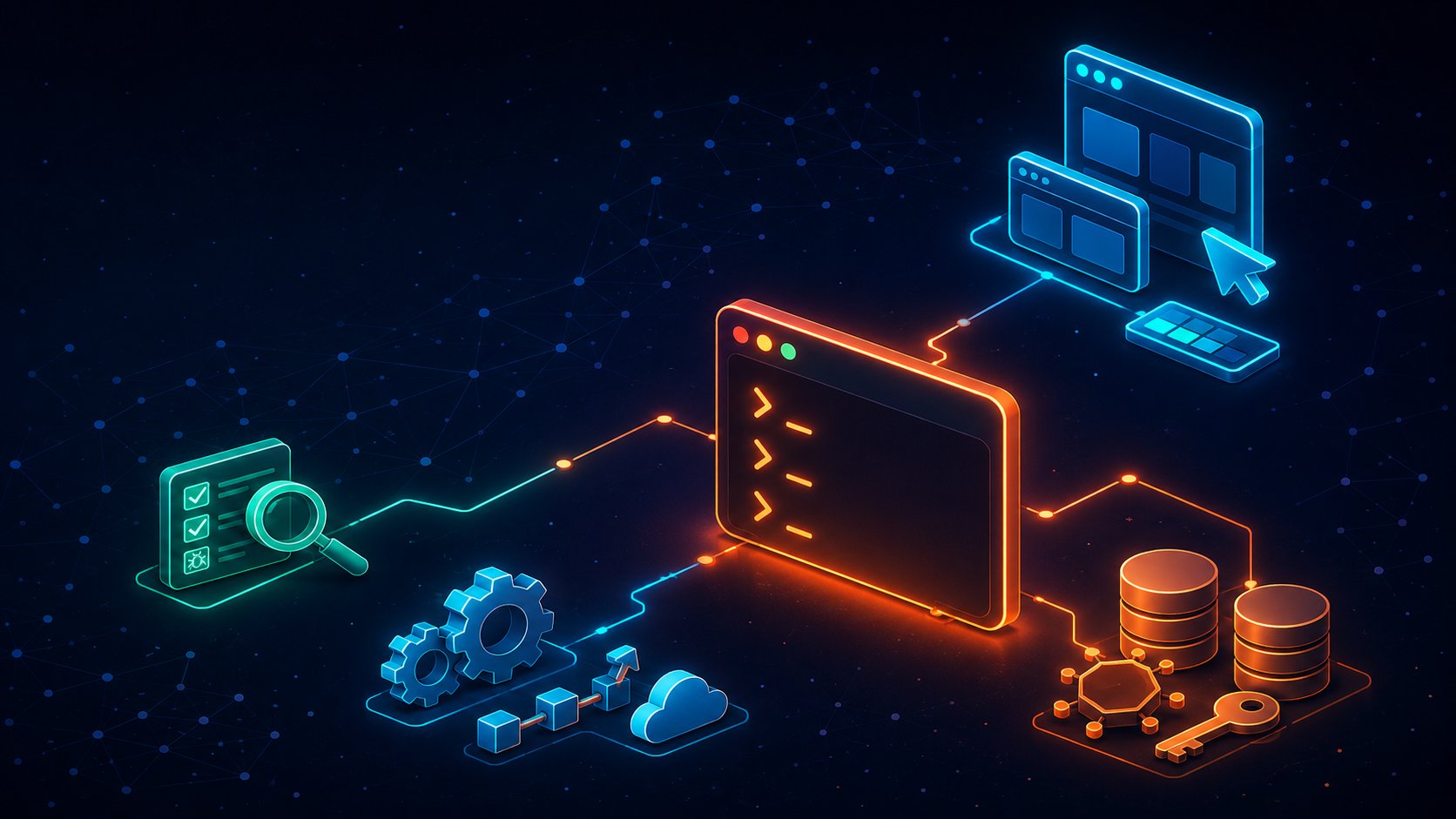
The Claude Code Stack for Engineering Teams: Skills, MCPs, and Agents That Actually Help
Every engineering team I talk to is "using Claude Code" now. Very few are using it well. Out of the box it is a genuinely strong pair programmer — but the real leverage shows up when you wire in the right skills, MCP servers, and agents for each part of your team. That is the difference between "AI helps me write functions" and "AI ships verified work while I review it."
I have spent the past few months living in this ecosystem — shipping a production MCP server in Next.js/TypeScript, running a LangChain + Mastra PR-reviewer agent, and breaking a few things along the way. This post is the stack I would actually recommend to a team, organised by who it helps: frontend, backend, DevOps, and testing. With links, install commands, and honest caveats.
Before you install anything: the free wins
Most teams skip the built-ins and go straight to plugins. Don't. Four things in vanilla Claude Code carry more weight than any third-party tool:
A real CLAUDE.md. This file is loaded into every session for the repo. Build commands, conventions, the landmines in your codebase. Run /init to generate a starting point, then treat it like documentation that actually gets read — because it does, on every single prompt.
Plan mode. Hit Shift+Tab before any non-trivial change. Claude researches and proposes a plan before touching files. The ten seconds this costs has saved me hours of reverting confident nonsense.
Subagents. Drop markdown role definitions into .claude/agents/ — a code reviewer, a test writer, a migration runner — each with its own context window and tool permissions. Commit them so the whole team shares the same specialists.
Hooks. Deterministic guardrails that run on tool events — lint and typecheck after every edit, block writes to protected paths. Hooks are enforcement; CLAUDE.md is suggestion. Use both.
All of this is covered in the official Claude Code docs. Read them before you read any listicle, including this one.
Model strategy: opusplan is the free lunch
One more built-in most teams never find: you can choose which model does which job. Run /model opusplan and Claude Code uses Opus — the strongest reasoning model — whenever you are in plan mode, then automatically drops to Sonnet for execution. Architecture decisions get Opus-quality thinking; code generation, which Sonnet handles excellently, stops burning Opus-level quota. On current versions that means Opus 4.8 plans and Sonnet 4.6 implements, and the handover is invisible in practice.
/model opusplan   # Opus plans, Sonnet executes
/model            # check what you're currently running
Round it out with two habits: pin cheap, mechanical subagents — formatting, bulk renames, test scaffolding — to Haiku via the model field in their agent definition, and toggle /fast on Opus when you want the same intelligence with faster output. For a team on usage-based quotas, opusplan alone meaningfully stretches the budget — it is the only recommendation in this post that costs nothing to adopt and starts saving from minute one. Details in the model configuration docs.
Codebase intelligence: give Claude a map, not a flashlight
The biggest hidden cost in any Claude Code session is exploration. On a large repo, the agent burns thousands of tokens grepping and re-reading files to rebuild context it already had yesterday. Two tools fix this, and they are the first things I would install for any team regardless of discipline.
Graphify
Graphify is an open-source skill that turns any folder — code in 36+ languages, SQL schemas, shell scripts, Markdown docs, PDFs, even images and video — into a queryable knowledge graph. Code extraction runs locally via Tree-sitter (no API calls), and the build produces three artifacts: an interactive graph.html visualisation, a GRAPH_REPORT.md with insights, and a reusable graph.json. You build the map once; after that, Claude queries the graph instead of re-grepping the repo.
graphify install
# then, inside Claude Code:
/graphify .
/graphify query "what connects auth to the database?"
/graphify path "UserService" "DatabasePool"
This is my entry point for every "how does X work in this codebase" question now. The multi-modal angle sounds gimmicky until you point it at a repo where half the truth lives in design docs and architecture diagrams. More at graphify.net.
code-review-graph
code-review-graph attacks the same problem from the structural side: a local-first graph of functions, calls, and imports stored in SQLite, exposed to Claude Code through 30 MCP tools. Incremental re-parsing keeps it current in under two seconds after a change, and the headline feature is blast-radius analysis — ask what a diff actually touches and get a risk-scored answer instead of a vibe. The project reports a median ~82x context reduction per question across its evaluation repos; even if your mileage is a fraction of that, it pays for itself on any codebase past a few hundred files.
pip install code-review-graph
code-review-graph install --platform claude-code
The two pair well: Graphify shines at understanding and onboarding, code-review-graph earns its name in review workflows. Docs at code-review-graph.com.
Frontend teams
Impeccable
Impeccable, by Paul Bakaus, grew out of Anthropic's original frontend-design skill and turned into something bigger: a shared design vocabulary between you and the agent. Commands like /polish, /audit, /critique, /bolder, and /quieter mean you stop writing paragraph-long prompts about spacing. The underrated part: 41 deterministic detector rules that run via CLI with no LLM and no API key — which means design-slop checks in CI, for free. /impeccable init writes a PRODUCT.md and DESIGN.md so every later command knows your audience, brand lane, and anti-references.
npx impeccable skills install
# then, inside Claude Code:
/impeccable init
If your team has ever shipped a page that looks like every other AI-generated dashboard, this is the fix. See impeccable.style.
Design-to-code and browser context
Two MCP servers round out the frontend story. The Figma Dev Mode MCP server feeds Claude real components, variables, and tokens from your design files instead of screenshots — the gap between "looks roughly like the mock" and "uses the actual design system" closes dramatically. And the Chrome DevTools MCP lets the agent inspect the live page it just built — console errors, network requests, computed styles — instead of declaring victory on code that doesn't render.
Backend teams
Context7 (Upstash) is the single highest-value MCP for backend work: it pulls version-accurate, current documentation for your dependencies into context on demand. If you work on fast-moving frameworks — Next.js and Payload, in my case — this is the difference between Claude writing against the API that exists and the API it remembers from training. Hallucinated method signatures basically disappeared from my sessions after installing it.
For the rest of the backend loop: the official GitHub MCP server brings issues, PRs, and CI status into the session so "fix the bug from issue #214 and open a PR" is one prompt. Postgres MCP Pro gives Claude schema awareness, explain-plan analysis, and — crucially — configurable read-only access, so the agent can diagnose a slow query without being able to drop a table. And the Sentry MCP closes the loop with production: "pull the top unresolved error and fix it" actually works, stack trace and all.
DevOps teams
The biggest DevOps unlock isn't an MCP at all — it's headless mode. claude -p "..." runs Claude Code non-interactively, which turns it into a scriptable CI citizen: triage failing tests, summarise a deploy diff, auto-label issues. Pair it with the official Claude Code GitHub Action and your team can @claude on any issue or PR and get real work back.
On the infrastructure side, the official servers are the safe picks: HashiCorp's Terraform MCP server for registry-aware provider and module lookups (no more invented resource arguments), the Kubernetes MCP server for cluster introspection, the AWS MCP servers suite from awslabs, and Cloudflare's MCP servers for Workers, DNS, and tunnels.
One rule I now consider non-negotiable: give these agents read-only credentials by default and keep mutations behind explicit approval. Treat an agent with infra access exactly like a junior engineer with prod access — because that is what it is, minus the fear.
Testing and QA teams
gstack
gstack is Garry Tan's open-source skill pack: 23 opinionated tools that make Claude Code behave like a virtual team — CEO, designer, eng manager, release manager, QA. The framing sounds like a gimmick. The QA half is not. /qa drives a persistent Chromium daemon: it logs into your app, clicks through real flows, takes screenshots, reads console errors, and files what it finds — and because cookies, tabs, and localStorage persist between runs, it doesn't re-authenticate from scratch every time. /browse gives you the AI-controlled real browser, /benchmark tracks Core Web Vitals, and /ship plus /land-and-deploy handle the test-audit-PR-merge-deploy release flow.
git clone --single-branch --depth 1 https://github.com/garrytan/gstack.git \
  ~/.claude/skills/gstack && cd ~/.claude/skills/gstack && ./setup
Honest take: I was sceptical of the "virtual dev team" pitch, and some of the role-play skills I have never touched. But /qa and /review stuck in my daily workflow within a week. Take the handful you need, ignore the rest. More at gstacks.org.
Playwright MCP and graph-aware review
Where gstack explores, Microsoft's Playwright MCP codifies. It works off the accessibility tree rather than pixels, which makes it fast and deterministic — ideal for writing and maintaining the actual regression suite. My loop: gstack's /qa finds the bug, Playwright MCP turns the reproduction into a permanent test. Add Claude Code's built-in /code-review on every PR, backed by code-review-graph's blast-radius context, and you have a review pipeline that catches things human reviewers skim past at 5pm.
The wider toolbox: plugins, orchestration, and visibility
Plugins and marketplaces. Claude Code has a first-class plugin system: /plugin browses marketplaces and installs bundles of commands, agents, skills, hooks, and MCP servers in one shot. Start with the official plugins in the anthropics/claude-code repo (code-review and frontend-design live there), then browse community catalogues like awesome-claude-plugins and awesome-claude-code. A private marketplace repo with your team's blessed plugins is the cleanest way to standardise everyone's setup in one install.
Serena gives the agent IDE-grade semantics: an open-source MCP toolkit built on language servers, so Claude can find and edit code at the symbol level — cross-file refactors, precise navigation — instead of reading whole files and string-matching. It overlaps with the graph tools above; pick one retrieval strategy per repo rather than stacking all three.
ccusage answers the question your engineering manager will ask in month two: what is this actually costing us? It parses the local usage logs and reports tokens and cost per day, project, and session — across Claude Code and a dozen other coding CLIs — entirely offline. Put the numbers on a dashboard before someone asks for them.
Claude Squad and Vibe Kanban are for the moment one agent stops being the bottleneck. Claude Squad runs multiple Claude Code sessions side by side in the terminal, each in its own isolated git workspace, so concurrent tasks never trample each other. Vibe Kanban puts a kanban board over your agents — plan, dispatch, and review their work in parallel. Honest caveat: parallel agents multiply review load, not just output. Get one agent reliably producing mergeable work before you spin up five.
Project-management MCPs. Linear's official MCP server drops tickets straight into the session — "implement LIN-482" with the full issue context beats copy-pasting requirements every time. If your specs live in Notion or Jira instead, both ship official MCP servers as well.
Rolling it out without burning your context window
A warning from experience: every MCP server you connect injects its tool schemas into the agent's context. Install fifteen of them globally and you have spent a meaningful chunk of your window before typing a word — and watched tool selection get visibly worse. Configure MCPs per project in .mcp.json, checked into the repo, so each team carries only what it uses.
The adoption order that worked for me: week one, fundamentals only — CLAUDE.md, plan mode, hooks, opusplan. Week two, one codebase-intelligence tool (Graphify or code-review-graph). After that, a single discipline tool per team, added when someone asks for it rather than preemptively. Tools that arrive as the answer to a felt pain get used; tools that arrive in a setup script get ignored.
And one security note I have earned the hard way: an agent with tools is an attack surface. Prompt injection through content an agent reads is not theoretical — I have watched an exposed agent endpoint get turned against its owner. Sandbox your agents, scope tokens to read-only wherever possible, and keep anything that writes to production behind a human approval.
Bonus tip: convene an LLM council for the big calls
llm-council is Andrej Karpathy's weekend project, and the idea is better than its packaging suggests. A local web app sends your question to several frontier models at once through OpenRouter, then runs two more rounds: each model anonymously reviews and ranks the others' answers (anonymised so no model can play favourites), and a designated "chairman" model synthesises everything into one final response. You see the individual takes, the peer rankings, and the verdict side by side.
Karpathy is upfront that it is "vibe coded" and that he does not intend to maintain it — his words: "code is ephemeral now." Treat the repo as a reference implementation and the pattern as the takeaway: for high-stakes, hard-to-reverse decisions — architecture choices, migration strategies, even picking between the tools in this post — one model's confident answer is a data point, not a verdict. Cross-examination between models is cheap now, and the disagreements between council members are often more informative than the final synthesis. You can reproduce the same pattern inside Claude Code itself: spawn three subagents on the same design question with different framings, then have a fourth judge the answers — no extra infrastructure required.
The verdict
If your team installs only three things from this post, make it Graphify for understanding, Context7 for correctness, and gstack's /qa for verification. Frontend-heavy teams should add Impeccable the same day; teams drowning in review debt should start with code-review-graph instead. And before any of that, run /model opusplan — it takes five seconds and there is no trade-off to argue about.
The teams getting outsized results from Claude Code are not the ones with the most plugins. They are the ones who gave the agent three things: a map of the codebase, current documentation, and a way to verify its own work. Everything in this post is in service of one of those three. Start there.
More writing